
How to access BI integration URL and credentials
-
In the Partner Portal, open a deployment page (Deployments > select a deployment from the list).
-
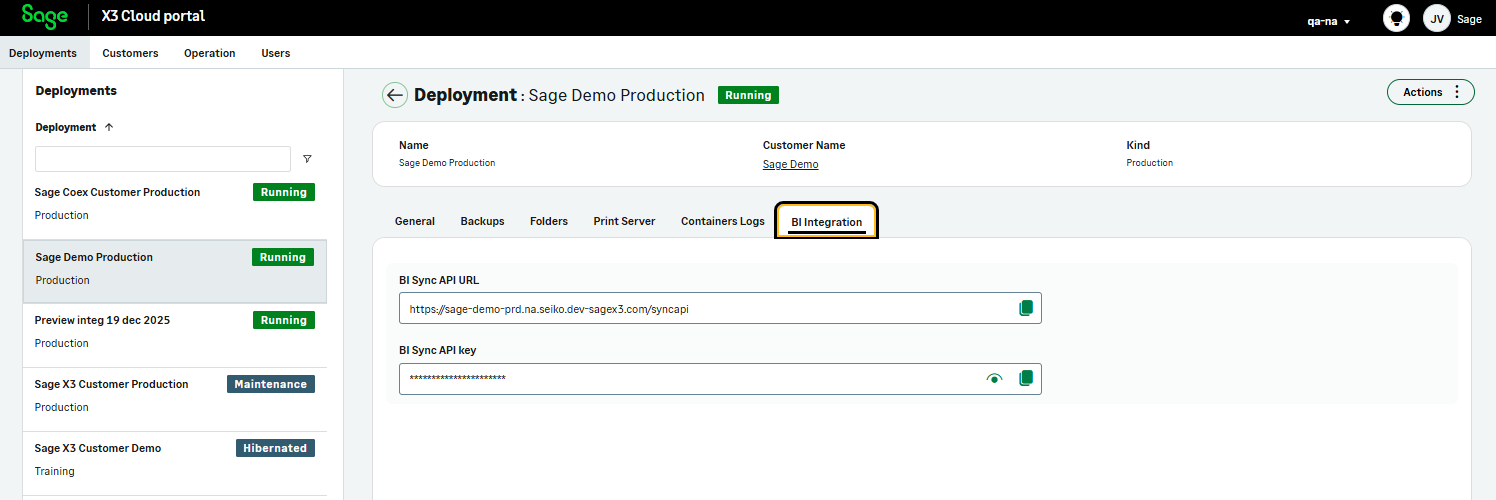
Go to the BI integration tab.
-
In this tab, you will find:
-
The BI URL
-
The application key required to access the deployment through the API
-
Note:
You can find more information about the API connection with the SEI Cloud here.