Navigation pages
You have to manually create new entries if the add-on requires adaptations in the Navigation pages function.
Open: Administration > Authoring > Pages > Navigation pages
If required, you can also manage the translations of new entries in this function.
Creating specific menu items
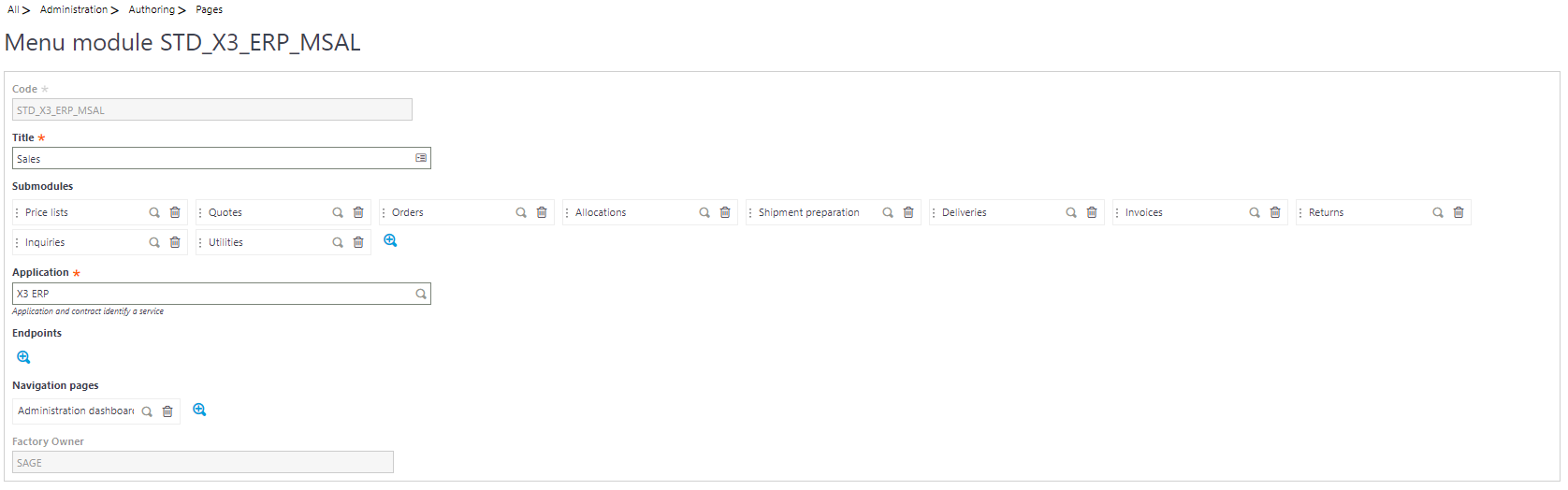
Module:
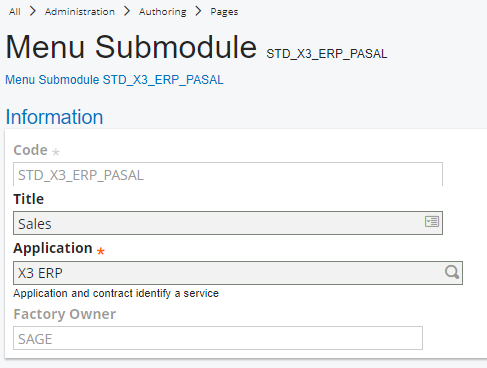
Sub-module:
Blocks:
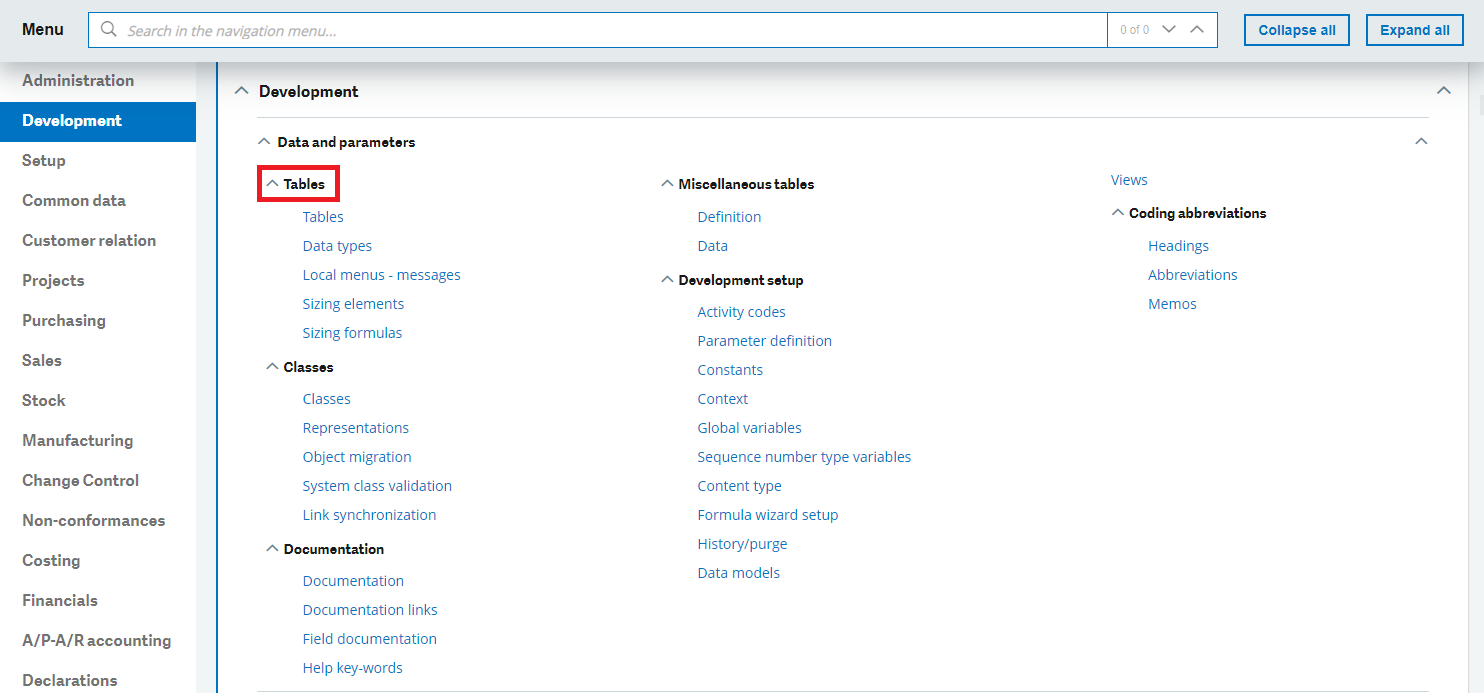
Menu items:
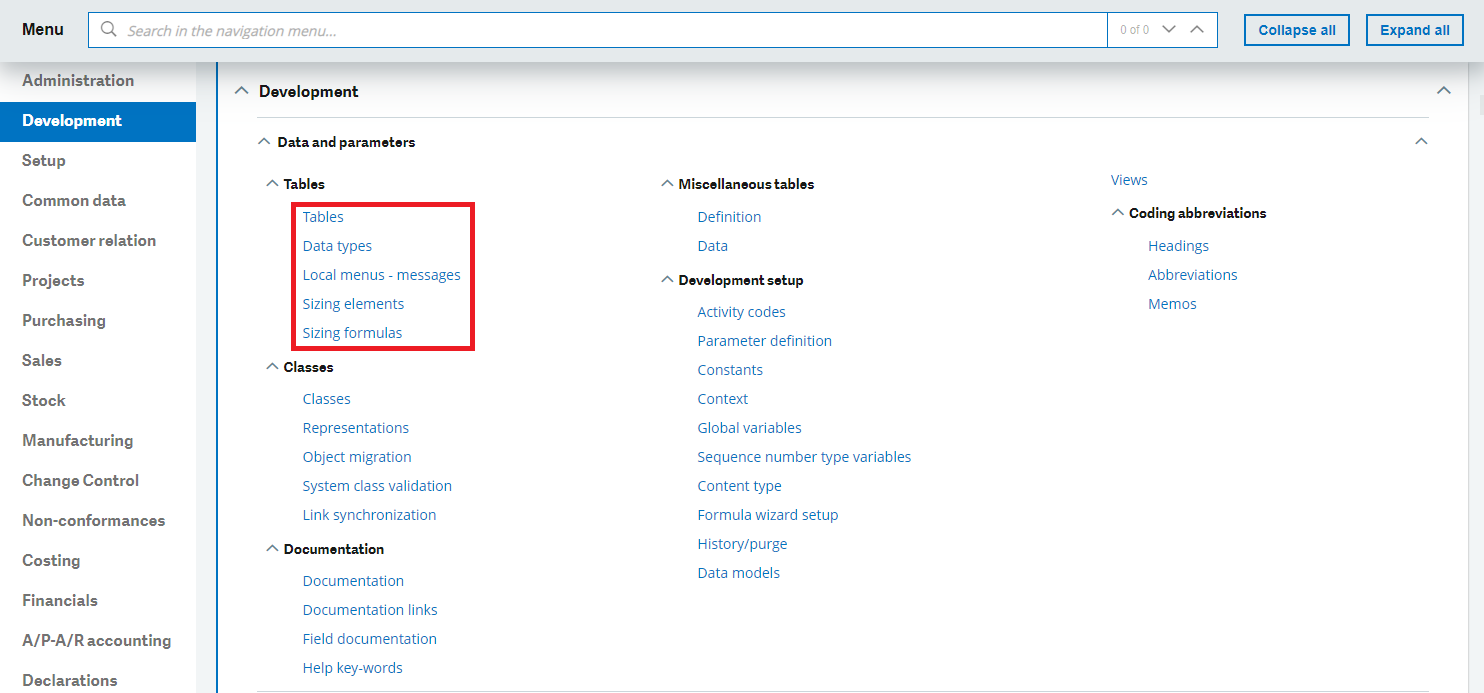
Entry
To simplify the management and the extraction of adaptations performed in the Navigation pages function, a common prefix can be used for the add-on for the codification of new specific menu items. The Activity code can be used as a code prefix.
Standard
Sage X3 internal add-ons must be set to SAGE in the Factory owner field.
Open: Administration > Authoring > Pages > Menu items
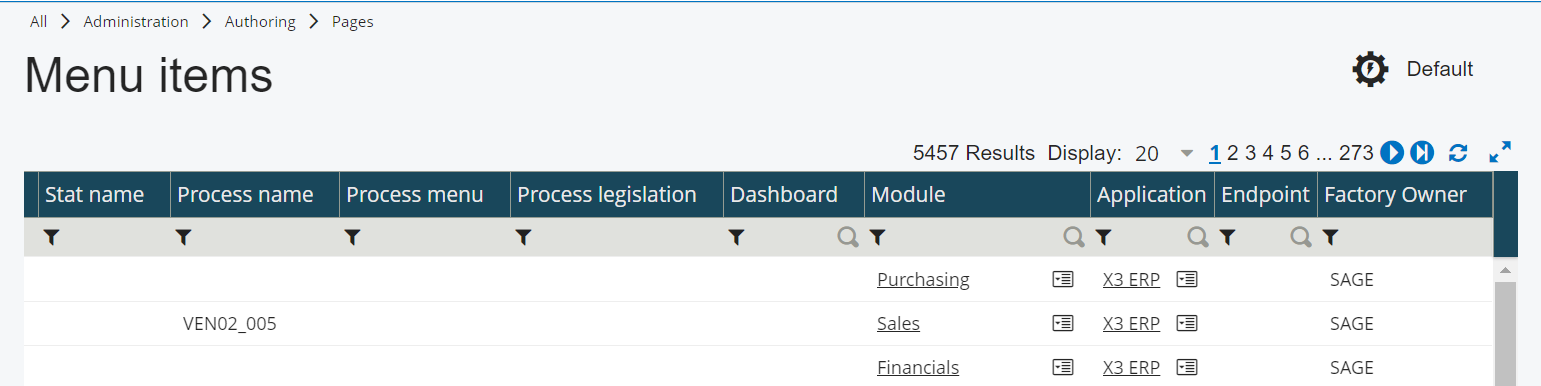
Updating the Navigation page with the graphical interface
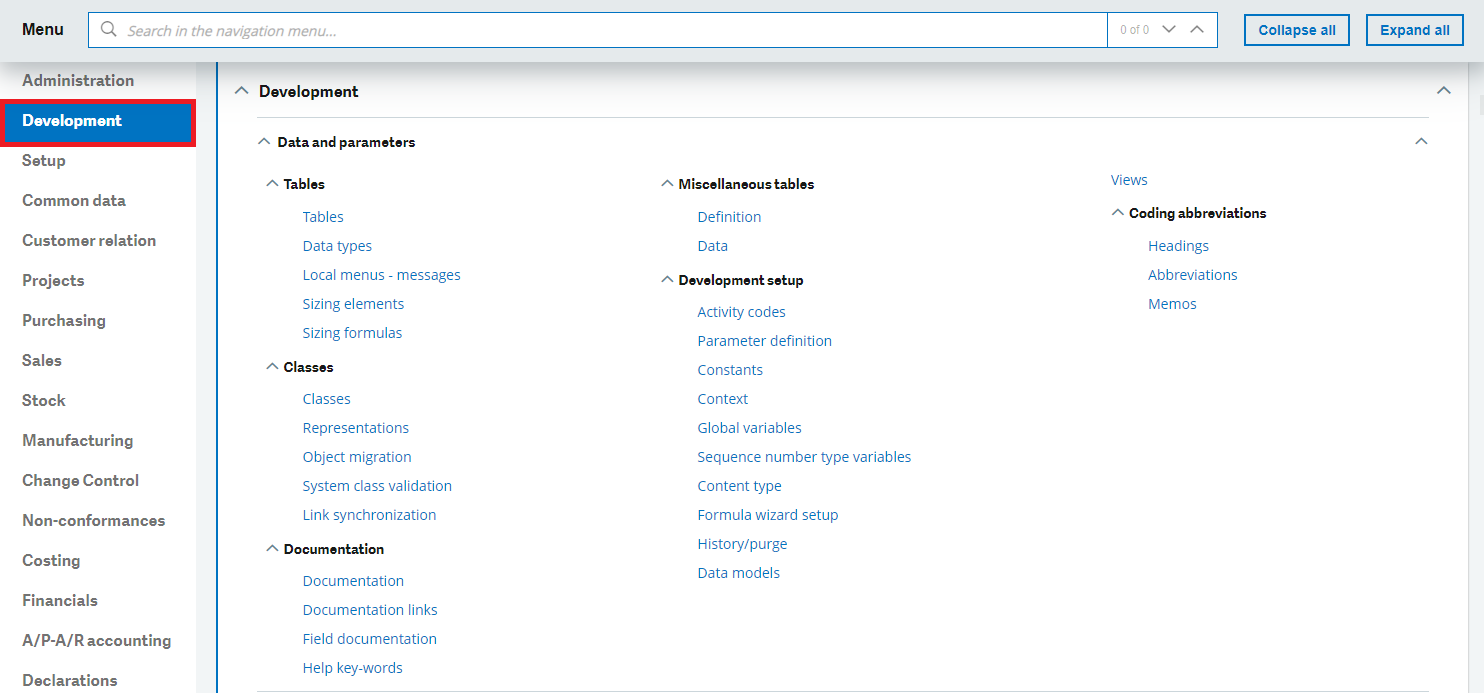
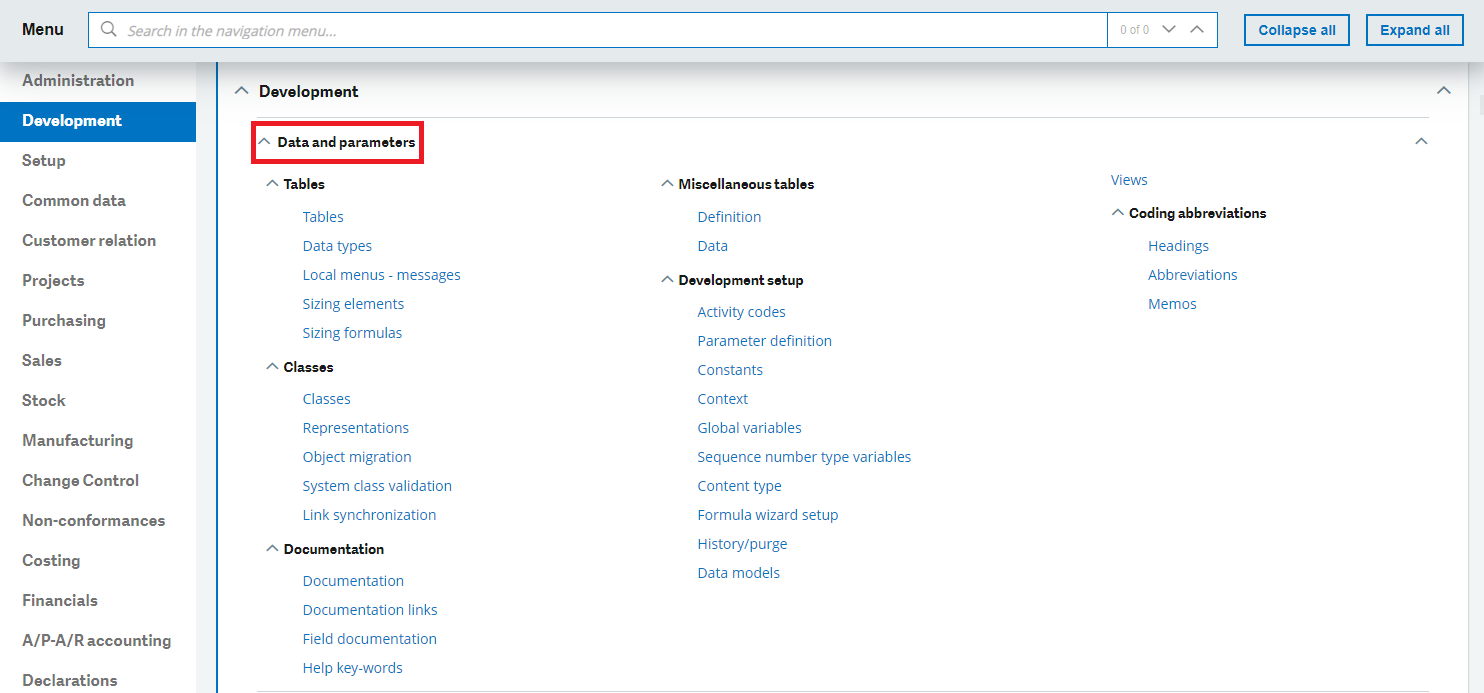
Click the Edit page content action to use a graphical interface to add your specific modules, sub-modules, blocks and menu items to the Navigation pages function.
Open: Administration > Authoring > Pages > Navigation pages
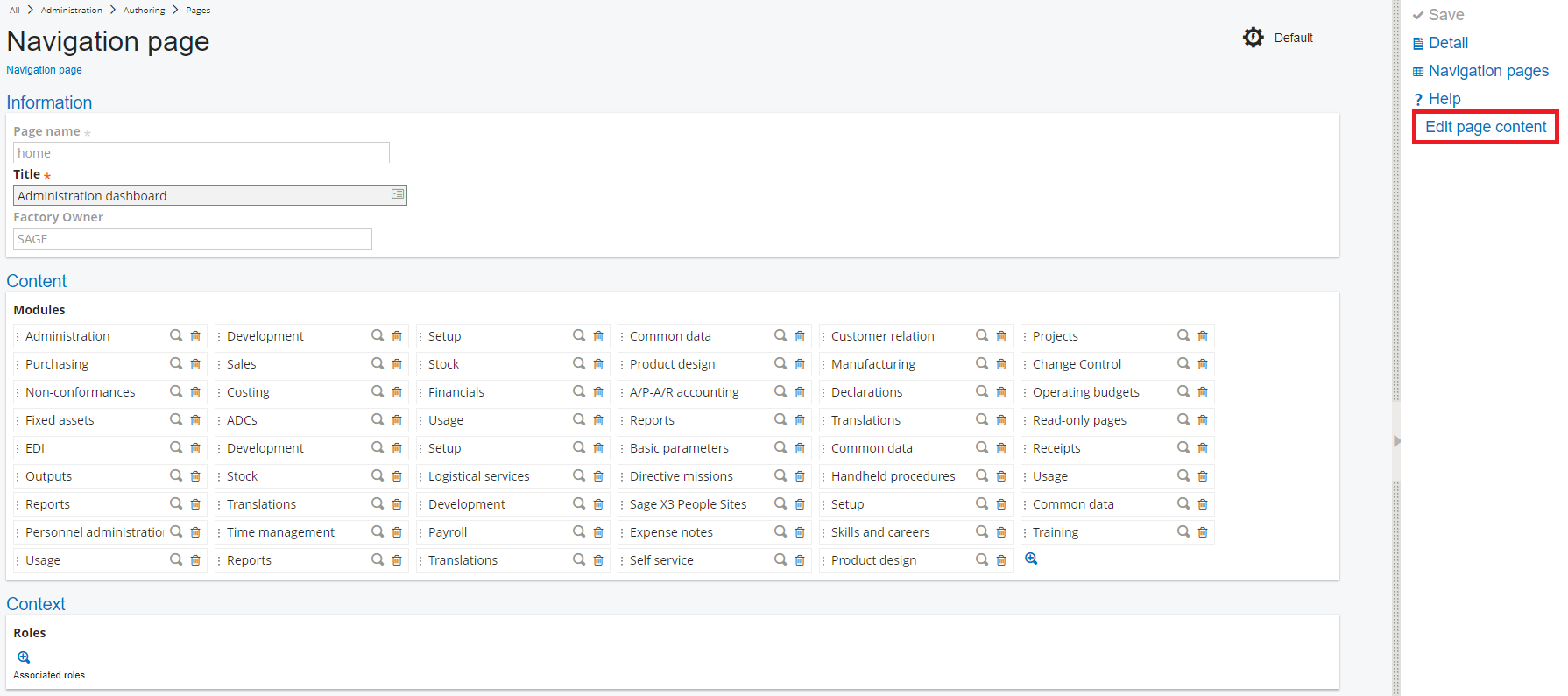
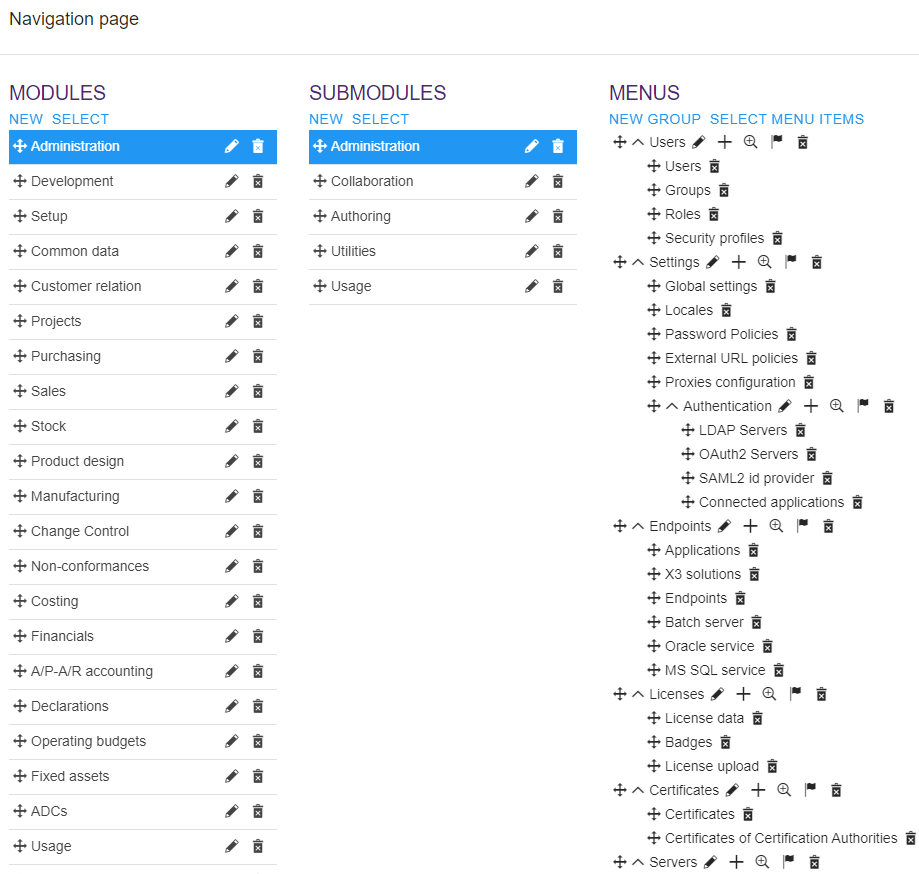
In this graphical interface, you can also manage the translations of these new entries if required:
-
For modules and sub-modules, go to Edit mode and use the Action on the field text to translate.
-
For blocks, use the Translation action directly on the page.
Entry
To simplify the management and the extraction of adaptations performed in the Navigation pages function, a common prefix must be used for the codification of new specific modules and sub-modules of the add-on. The Activity code can be used as a code prefix.
Standard
Sage X3 internal add-ons must be set with the Factory attribute.