Exporting and importing customizations
Exporting a customization
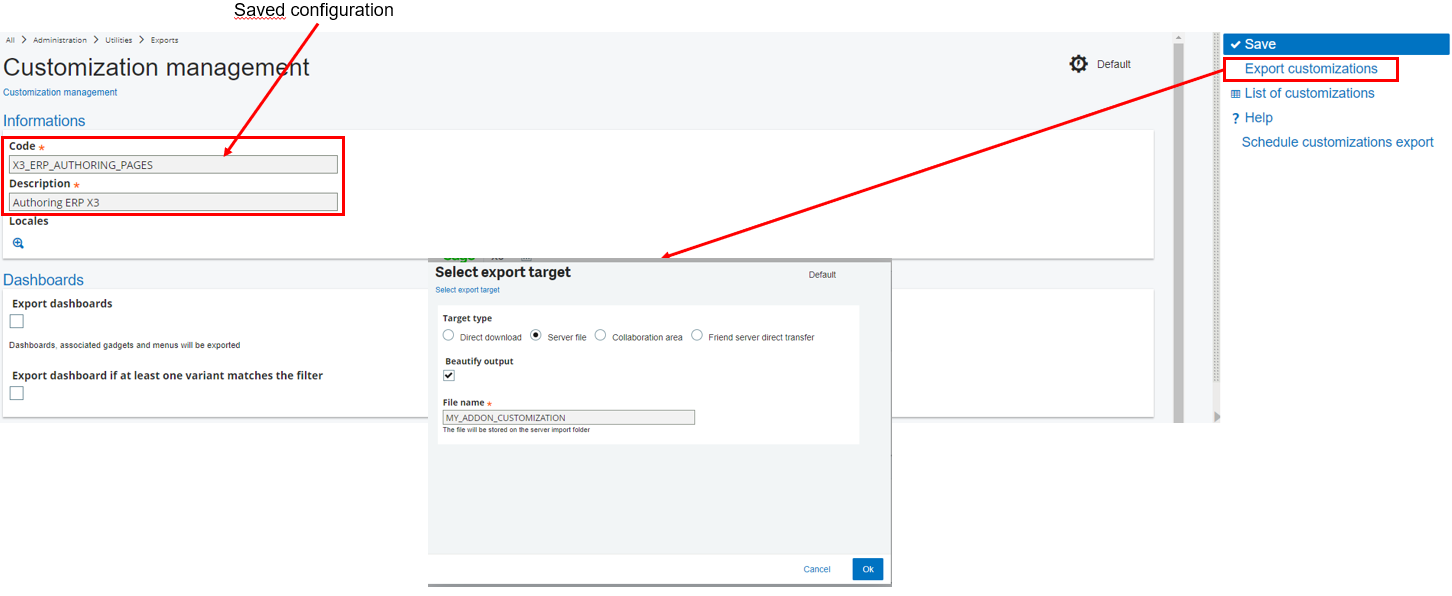
To set the filters on the administration data, and to allow a quick extraction of the data associated with navigation pages, landing pages, menu items, and customized pages, access the Customizations management function:
Open: Administration > Utilities > Exports > Customizations management
The file created will be in a JSON format, and can be integrated into another Syracuse repository by using the Import Tool.
Customizations management settings:
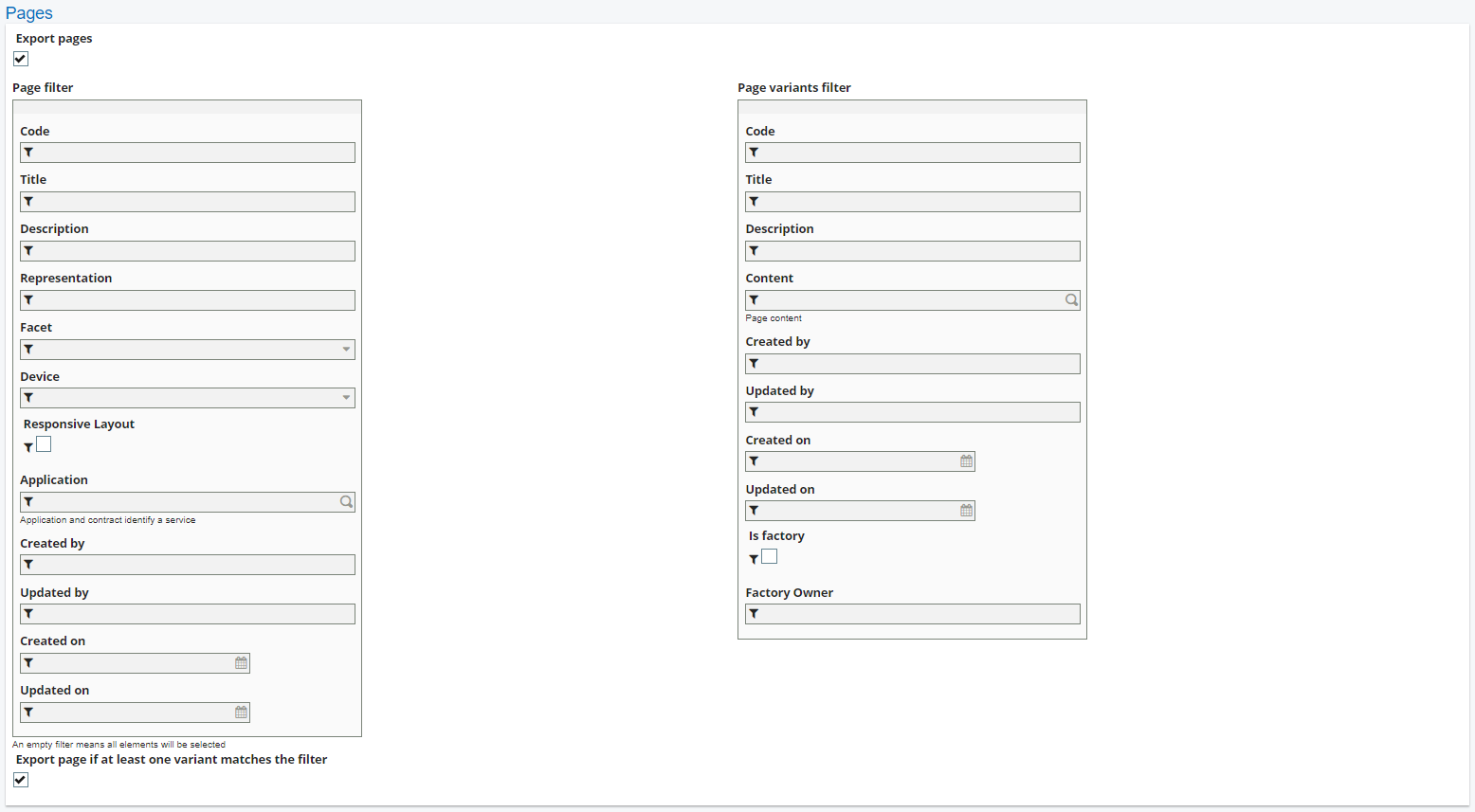
Customized pages variants:
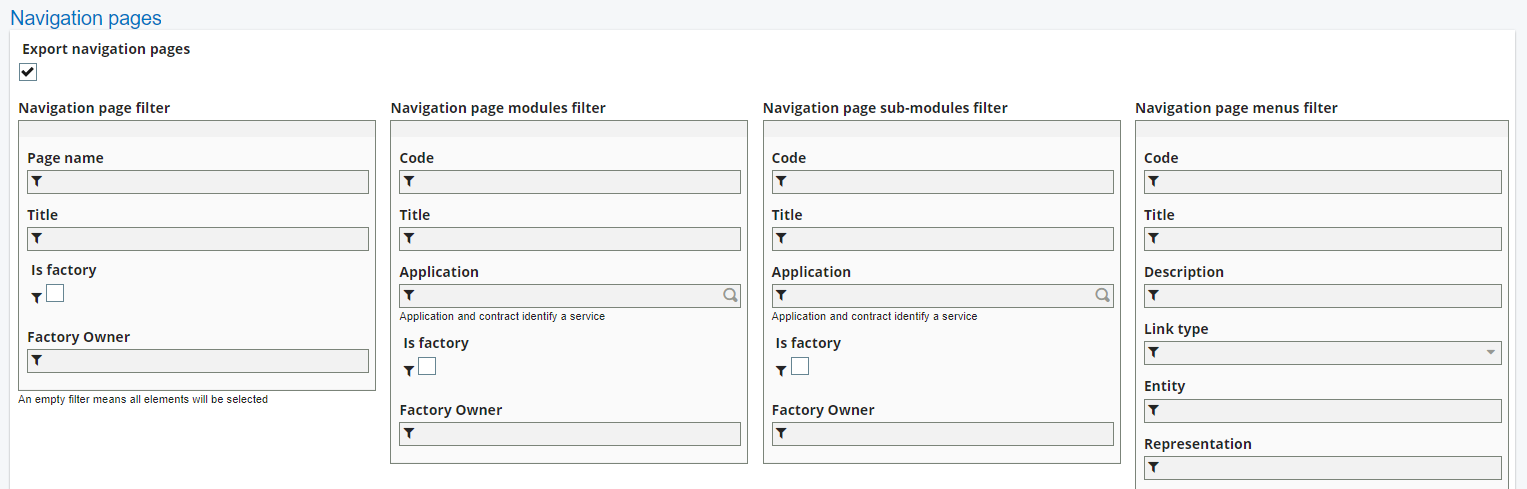
Customized navigation pages:
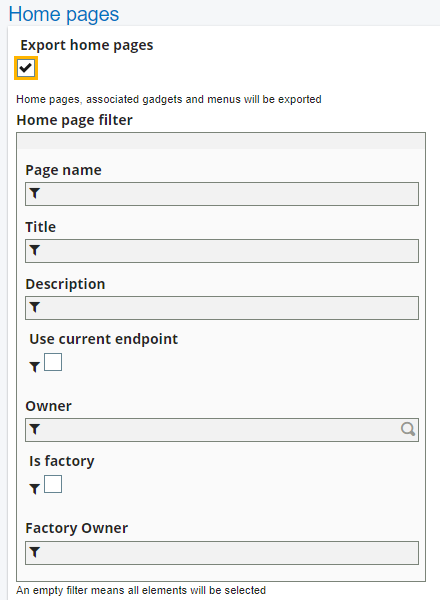
Customized home pages (landing pages):
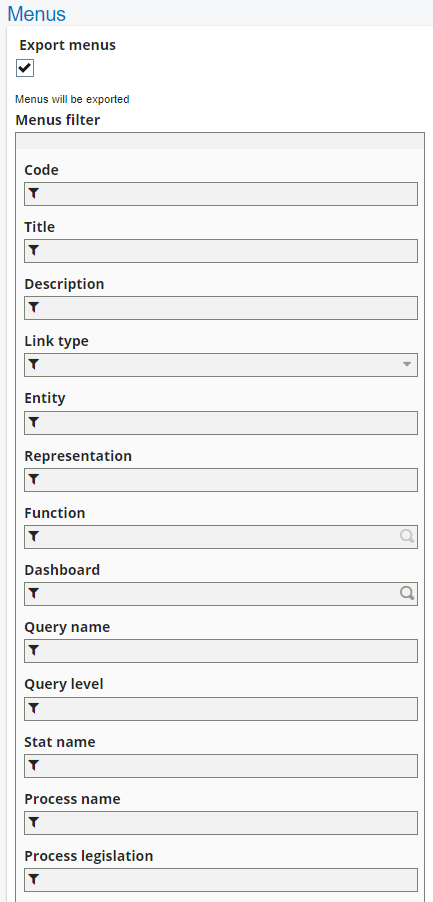
Customized menu items:
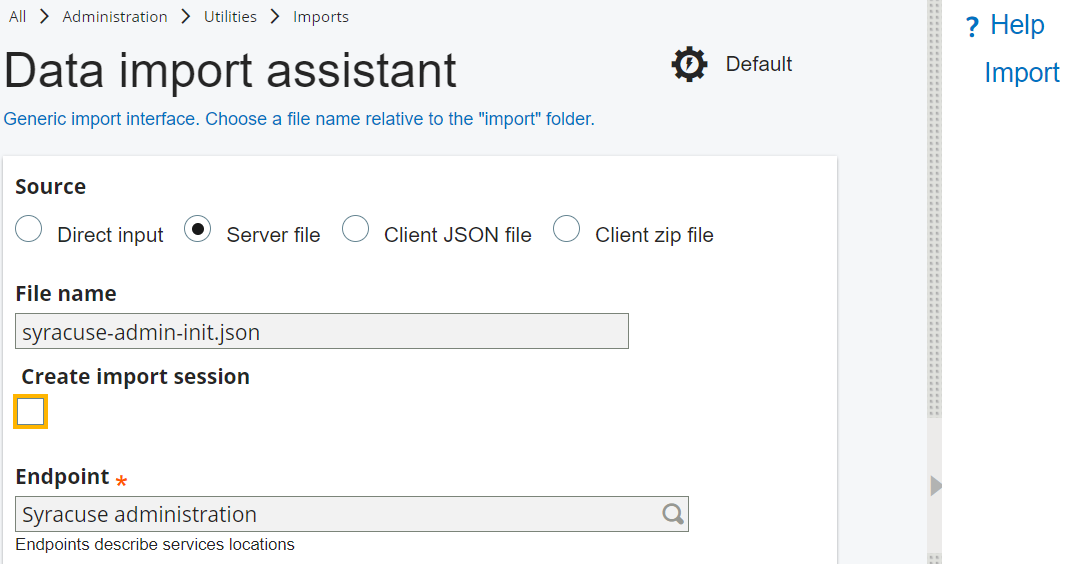
Importing a customization
Use the Import tool function from the Administration navigation page, to import data into the Syracuse repository.
Open: Administration > Utilities > Imports > Import tool